
How to Multi-Table Online Poker More Efficiently (2026)
August 19, 2026
A practical playbook for stacking more tables without drowning in clicks: layout, focus, hotkeys, overlays, and when dedicated multi-tabling software like Jurojin Poker earns its seat.
- multi-tabling
- online poker
- table tiling
- poker hotkeys
- poker overlays
- Jurojin Poker
- table management
- multi table poker
Multi-tabling is not “open more windows and hope.” It is an operations problem: where each table lives, what demands your attention right now, and how few clicks you need to fold, call, or size a bet before the clock burns you.
This guide is a practical efficiency stack for cash, MTT, and spin grinders who want more volume without turning every session into a panic click-fest. Along the way we will show where a dedicated multi-tabling suite — especially Jurojin Poker — fits next to your HUD/tracker, not instead of it.
Why multi-tabling fails (and how to diagnose it)
Most “I can’t add tables” problems are not strategy holes. They are workflow holes:
- Tables land randomly — every new table opens in a different size/position, so your eyes hunt instead of decide.
- Everything looks equally urgent — no visual priority for “action required,” so you miss clocks.
- Mouse travel is too long — every bet is a drag to the slider instead of a hotkey or preset size.
- Comfort leaks — sitouts, timebank fails, tiny fonts, and chip-unit clutter steal focus from decisions.
- You mix jobs — HUD study, chat, browser tabs, and table ops compete on the same screen.
Fix the operations layer first. Strategy study (solvers, hand review) still matters — but it cannot save a bad tiling setup.
The efficiency stack (5 layers)
1) Screen real estate and tile geometry
Decide your max concurrent tables from screen size and game type, not from ego.
| Setup | Typical ceiling | Notes |
|---|---|---|
| 14–16" laptop | 4–8 cash / fewer MTTs | Prefer stacked or 2-row grids |
| 24–27" single monitor | 8–12 cash | Fixed + action slots work well |
| Ultrawide / dual monitor | 12–24+ | Separate lobby / notes / study on second screen |
Rules of thumb:
- Keep slot sizes consistent so every table’s buttons live in muscle memory.
- Leave a lobby / observer slot if you register a lot of MTTs.
- Prefer one active layout you trust over five half-finished grids.
2) Focus management (what jumps to the front)
Volume dies when the wrong table steals focus. Good multi-tabling software should:
- Highlight or pop action-required tables.
- Support stacked / roll-to-my-turn play on small screens.
- Avoid stealing focus from a half-finished bet size.
If you are still Alt-Tabbing across native client windows, you are leaving free volume on the table.
3) Hotkeys and bet sizing
Mouse-only multi-tabling caps out early. Aim for:
- Fold / call / check on keys or mouse buttons you never miss.
- Position-aware preset sizes (open 2.2x, c-bet 33%, etc.).
- Raise-by-multiplier vs bets without dragging the slider.
This is where tools like Jurojin Poker shine: site-specific hotkeys, gamepad/mouse support, and bet-size overlays so the same muscle memory works across PokerStars, GGPoker, ClubGG, and dozens of other rooms.
4) Live Informational Overlays
Unlike traditional tracking HUDs that rely on historical opponent databases, Jurojin's informational Overlays focus on live table information such as pot odds, SPR, effective stacks, positions, and action history.
Pot odds, SPR, effective stacks, action history, and position tags reduce mental math under time pressure — especially when you are on 12+ tables. Pair them with your tracker; do not force one tool to do both jobs.
5) Comfort automation
Small comfort features compound over a 6-hour grind:
- Anti-sitout / auto sit-back-in
- Auto timebank
- Auto top-up
- Chips → BB
- Font enlargement on dense clients (Ignition/Bodog especially)
Missed timebanks and accidental sitouts are pure EV leaks. Automate the boring parts.
A concrete session setup (example)
- Pick volume target — e.g. 8 NL50 tables or 12 mid-stakes Spin windows.
- Build one primary layout with fixed playing slots + one lobby slot.
- Bind hotkeys for fold / call / standard opens before you add the 5th table.
- Enable overlays you will actually use (pot odds + history line first; vanity later).
- Warm up at half volume for 20 minutes, then scale up only if clocks feel calm.
- End-of-session note — which tables caused panic? Layout issue or strategy issue?
Where Jurojin fits in a modern stack
Jurojin fits into your poker software stack as the multi-table management and table-assistance layer, helping you organize tables, standardize actions, and keep relevant live information visible during your sessions.
Jurojin Poker is built for Windows 10/11 grinders who want:
- Tiling — Unlimited layouts, Static and Dynamic Slots, Focus Management, stacked workflows, and Action Required Tiling.
- Hotkeys — Custom keyboard, mouse, and controller bindings, custom bet sizes, and position-based bet sizing.
- Overlays — Live informational Overlays including pot odds, SPR, effective stacks, positions, and action history.
- Comfort Features — Automation and quality-of-life tools such as anti-sitout, auto timebank, and other site-specific comfort features.
- Freemium entry — Fully free at microstakes (NL10 / MTT $5 / $2 Spins), 15-day Full Access free trial, and modular paid bundles above that.
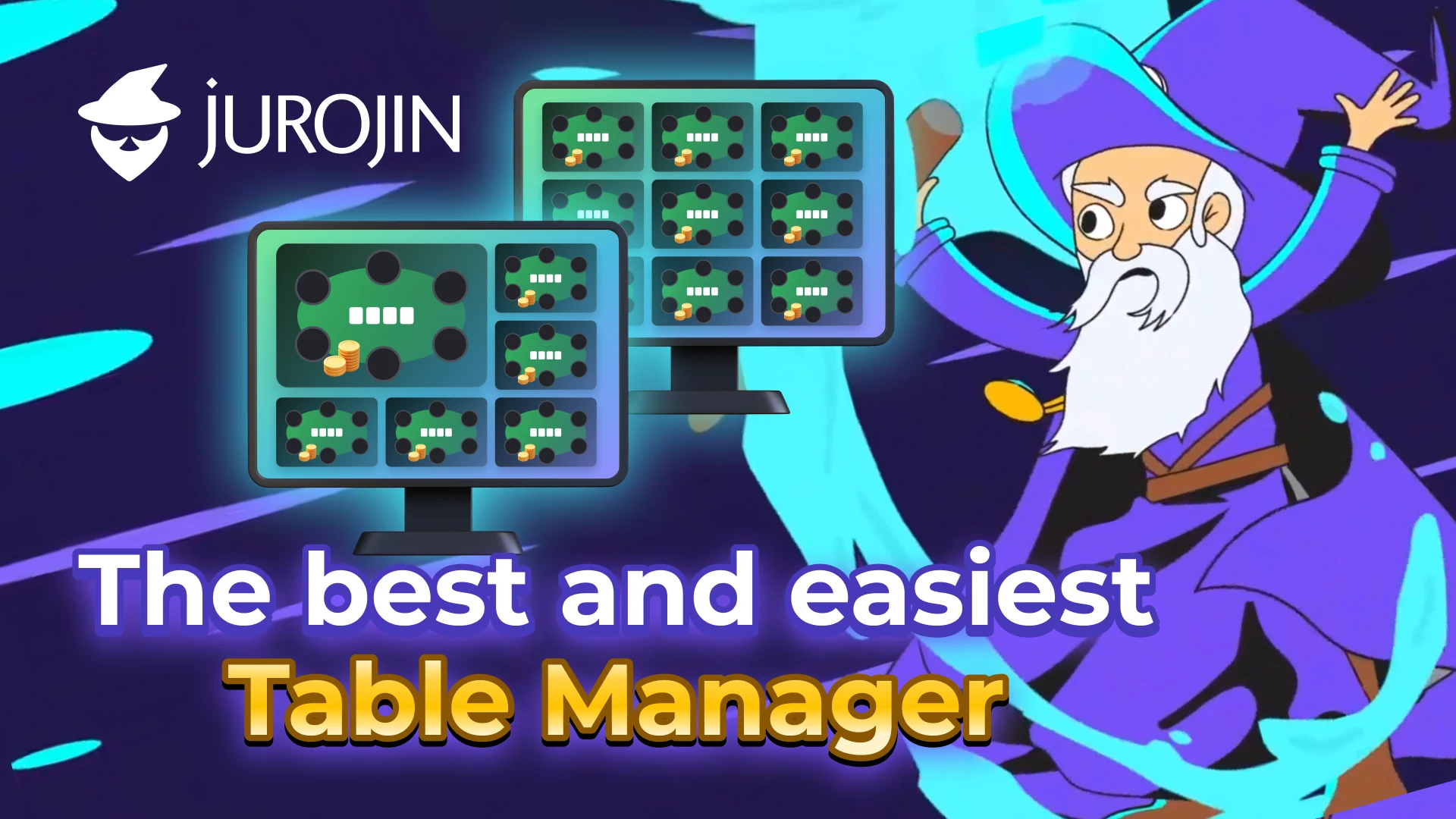
For a full feature and pricing breakdown, see our dedicated review: Jurojin Poker review on PokerJudge.
Suggested pairing:
| Job | Tool |
|---|---|
| Multi-table management & live table assistance | Jurojin Poker |
| Opponent stats / database | PokerTracker 4, HM3, or Hand2Note |
| Post-session review & bankroll | PokerJudge import / bookkeeping |
Common mistakes when adding tables
- Adding two tables after every winning hour — scale on process calmness, not short-term results.
- Different slot sizes per site — breaks hotkey aiming when you mix networks.
- Using the client’s native “tile” only — fine for 4 tables; brittle at 12.
- Studying mid-session on the same monitor — parking solvers on the grid kills reaction time.
- Ignoring site feature matrices — tiling/hotkeys availability differs by room; check support before you buy a bundle.
A 7-day efficiency drill
| Day | Focus |
|---|---|
| 1 | Lock one layout; no strategy changes |
| 2 | Hotkeys only for fold/call/check |
| 3 | Add preset open sizes |
| 4 | Turn on pot-odds + history overlay |
| 5 | +2 tables only if Day 4 felt calm |
| 6 | Review missed clocks / sitouts |
| 7 | Decide: stay, +2 tables, or fix layout |
Bottom line
Efficient multi-tabling is mostly layout + focus + hotkeys + comfort, with strategy layered on top. If you are still fighting windows instead of hands, install a purpose-built table manager before you buy another training subscription.
Jurojin Poker is one of the strongest Windows options for that ops layer in 2026 — modular pricing, wide site coverage, and a free microstakes on-ramp. Combine it with a tracker for stats and PokerJudge for post-session review, and your volume stack finally has clear job descriptions.